Paper is consistently one of the biggest clutter pain points in our homes — and tax season brings it to a head. We work with families and are reminded on every project that the paper piles in the kitchen – and otherwise – are very real…and maddening. It’s as if the piles breed overnight.
In surveys, paper tops the list as the most cluttered category in the home. But the problem isn’t that people don’t care — 78% of Americans say they have no idea what to do with their clutter or find it too complicated to deal with, so they let it build up. Tax documents are the perfect example: most people keep everything out of fear, when the reality is that a clear set of rules exists.
WHAT THE IRS ACTUALLY SAYS:
HOW LONG TO KEEP WHAT
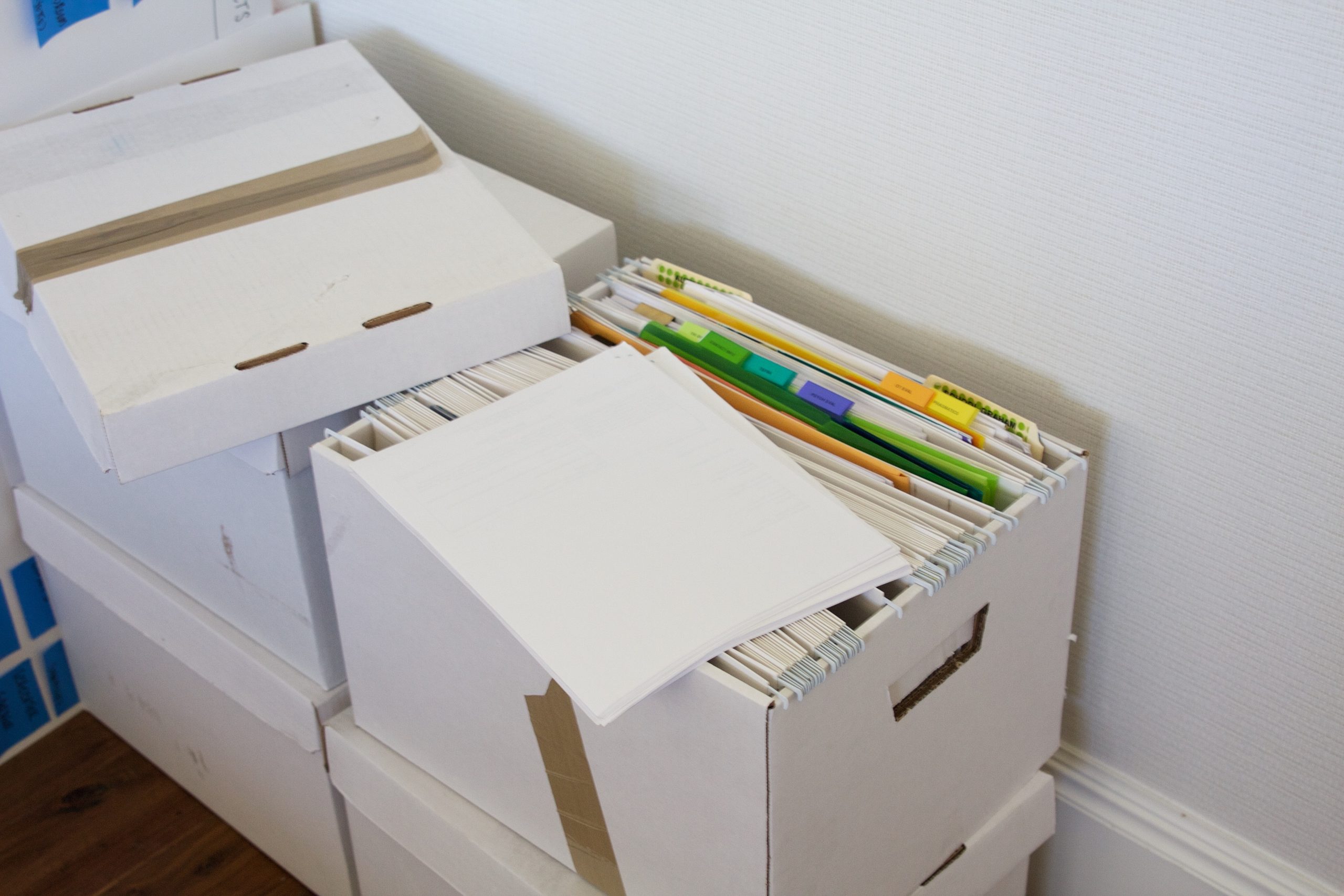
Here’s the tiered breakdown directly sourced from IRS guidelines:
3 years — The standard rule: keep records for 3 years from the date you filed your original return or 2 years from the date you paid the tax, whichever is later, if you file a claim for credit or refund after filing. This is the IRS audit window for most people.
4 years — Employment tax records should be kept for at least 4 years after the tax becomes due or is paid, whichever is later.
6 years — If you underreport income by more than 25% of your gross income, the IRS can audit up to six years after filing.
7 years — Keep records for 7 years if you file a claim for a loss from worthless securities or a bad debt deduction.
Indefinitely — Keep records indefinitely if you do not file a return, or if you file a fraudulent return. Also: to be safe, most CPAs recommend holding on to business tax records for at least seven years and keeping copies of filed returns indefinitely.
For property — Keep records related to real estate, rental properties, and investments for as long as you own the asset, plus at least three years after selling or disposing of it.
State taxes — Don’t forget to check your state’s tax record retention recommendations. For instance, the California Franchise Tax Board has up to four years to audit state income tax returns, so California residents should save related tax records for at least that long.
WHAT DOCUMENTS TO KEEP (SPECIFIC LIST)
Per IRS guidance, records to keep include wage and earning statements from all employers or payers (W-2, 1099-K, 1099-MISC, 1099-NEC), interest and dividend statements from banks, unemployment compensation records, other income documents, virtual currency transactions, and receipts, canceled checks, and other documents that support income, deductions, or credits reported on your return.
Records to keep longer include those relating to a home purchase or sale, stock transactions, IRA accounts, and business or rental property documentation.
One practical tip from Kiplinger: Keep pay stubs only until you check them against your W-2s — if all totals match, you can shred the pay stubs. Most people keep these for years unnecessarily.
THE COST OF DISORGANIZATION
- Over the course of a lifetime, people will spend a total of 3,680 hours – or 153 days – searching for misplaced items, with paperwork among the top lost items. Anyone relate to this?!
- If you have incomplete or disorganized records, you have a higher risk of being audited. The IRS may scrutinize your income further if it cannot verify your income and deductions. Misreporting income or deductions could lead to fines and penalties, and there could be legal consequences if the IRS suspects negligence or fraud
- Well-organized records make it easier to prepare a tax return and help provide answers if your return is selected for examination or if you receive an IRS notice.
GOING DIGITAL: IS IT IRS-APPROVED?
Yes — and this is a point worth making clearly. The IRS is fully okay with electronic record-keeping.
Why digital is worth it: One of the biggest advantages of digital documents is a drastic reduction in the amount of paper that must be sorted, organized, and stored. Digital documents are also generally more protected from damage than paper files — paper records are subject to damage or loss by fire, theft, mold, and sprinklers.
Two storage approaches I’d recommend:
A self-hosted system uses a dedicated external hard drive — ideally not your home computer — stored in a fire-proof safe to protect from natural disasters or accidents.
A cloud-based system offers accessible, off-site storage that’s protected even if something happens to your physical devices.
The practical advice: For many people, the right approach combines both — retaining paper files of certain documents for a recommended period while digitizing everything else.
PRACTICAL ORGANIZING STRATEGIES

- Create a “tax year” folder system — either physical or digital — labeled by year. As you scan each document, name and organize each supporting tax document clearly for future reference.
- Opt into e-delivery for statements, W-2s, and 1099s from banks and employers — this cuts the physical paper before it ever hits your desk.
- Shred with intention. If you find old documents that can be disposed of, do so securely by shredding. Identity theft from discarded tax documents is a real risk.
- Do a once-a-year purge. Tax season is the perfect trigger to pull out last year’s files and check what has passed the retention window.
- Keep a “pending” folder during the year for incoming tax documents so nothing gets lost before filing season.
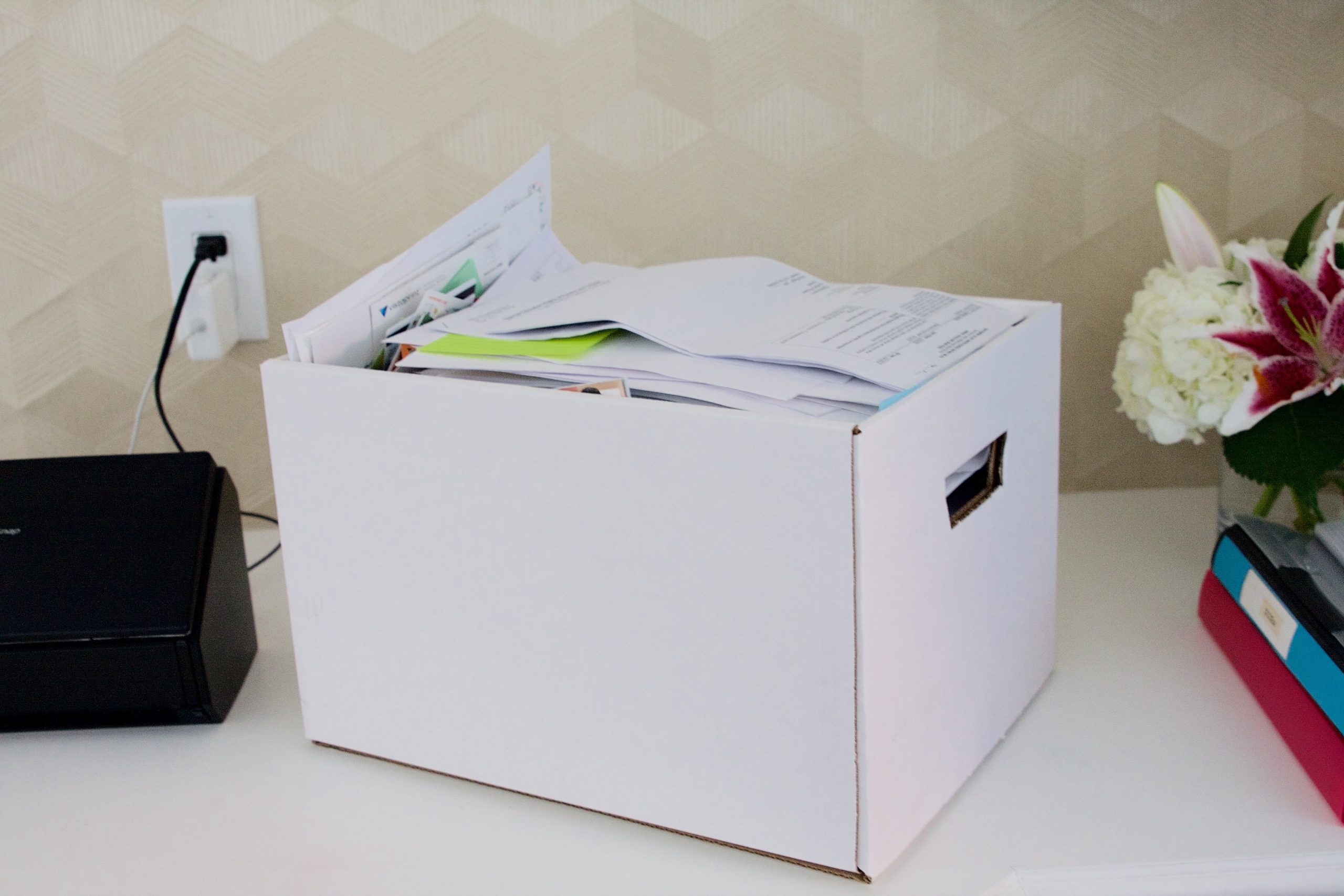
This is my scanner. It’s professional grade and will cost a bit, but it’s worth every penny! It quickly processes batches of paperwork and connects directly to your computer so that you can organize in files and folders.

( scanner )
WHAT YOU CAN LET GO OF (YOUR PERMISSION SLIP)
- Pay stubs once matched to W-2 ✓
- Bank statements older than 7 years (for most people) ✓
- Utility bills and general receipts not tied to a deduction ✓
- Tax returns older than 7 years (though many CPAs say keep indefinitely) — your call
A NOTE FOR SELF-EMPLOYED / BUSINESS OWNERS
If you are self-employed or own a business, additional documentation should be retained beyond three years to support deductions and employment taxes. Keep employment tax records for at least four years after the tax becomes due or is paid, whichever is later.
For property records, maintain documents that support your cost basis, depreciation, and eventual sale of the asset — hold these for as long as you own the property, plus seven years after disposal.
How a Certified Professional Organizer Handles Her Own Paperwork & Taxes
Since I know you’re curious — here’s exactly how I do it.
I work with a local CPA whose practice is fully digital, which honestly made the decision easy for me. Going paperless wasn’t something I had to think hard about; it was simply the way her team operates. And after years of doing it this way, I can tell you I’ve never once missed the paper.
Each year, her team sends me a digital tax questionnaire — a thorough one, covering everything from dependents and business mileage to the square footage of my home office. We’re talking 50 to 60 questions. As I work through it, I can upload supporting documents directly within the questionnaire itself. And as 1099s start arriving throughout the month of January, I upload those straight to our shared portal too. Everything lives in one place, organized by year. At any point I can log in, pull up a specific year, download my return, or review anything I’ve submitted.
When my return is ready, I review it digitally, sign it digitally, and they file it on my behalf. The one exception: I still mail a check for my annual LLC payment to the state.
For everything else at home, I keep it simple. I use a scanner to digitize any paper I want to keep a record of but don’t need in physical form, and I store everything in Dropbox, organized by category. The bonus: I can pull up any document from my phone, wherever I am.
The only paper I hold onto in hard copy is the stuff that truly warrants it — birth certificates, social security cards, passports, baptism certificates, and certificates of authenticity for valuables. All of it lives in a single filing cabinet drawer in my office. One drawer. That’s it.
I process the papers I keep at home about every 1-2 months. I keep a small pile in my office and when it gets to be more than 40-50 pages high, I process it with my scanner and shred what doesn’t need to be kept.
My tax return was finalized about a month ago and – lucky me – I’m getting a refund! With great thanks to my CPA!
Please let me know if you have any questions about paper organization – I’d be happy to share my thoughts or be helpful if you’re struggling to find a good system that works for you – including filing your home papers.
Back soon with more!
xo,
Sam
comments +